Date
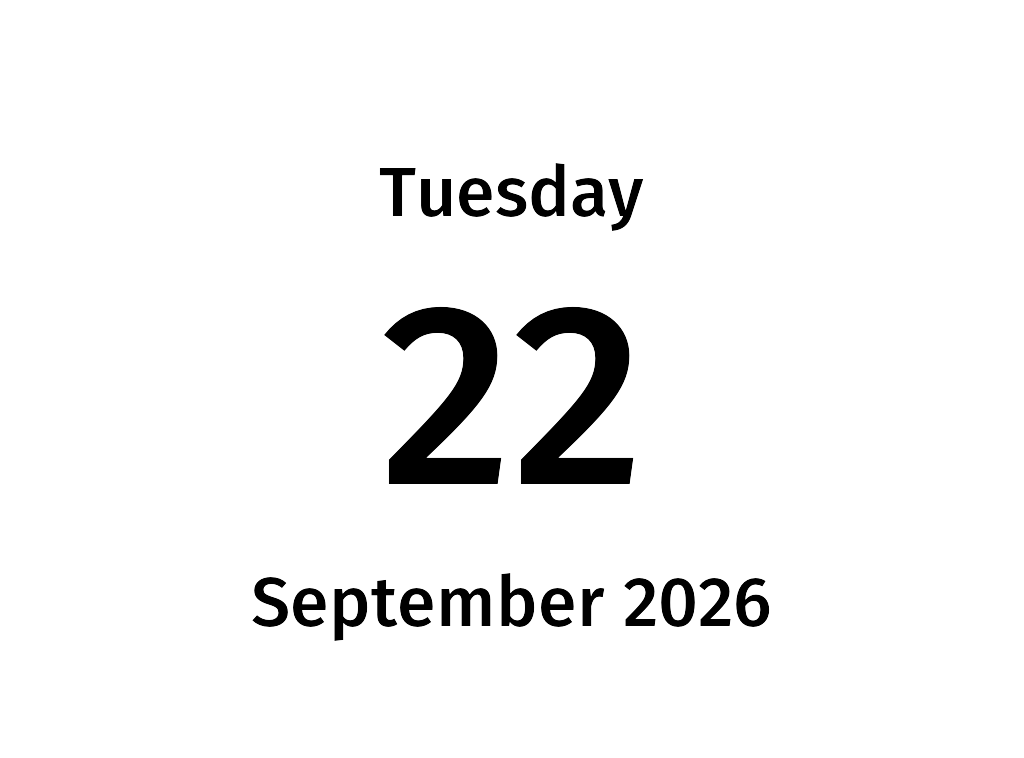
Shows today’s weekday, day of month, and month. It builds on hello_world by using the
timestamp variable, a datetime in the config’s settings.timezone that every template receives.
Files
date.yml— the config. Re-renders thedatescreen every midnight.date.xml.jinja— the screen template. It formatstimestampwith Python’sstrftimecodes.
Try it
From the web/ directory:
CONFIG_DIR=examples/date uv run todays_paper date -o date.png
Add -t 2026-12-24 to render it as if it were a different day.
Weekday and month names follow your system locale. Run with e.g. LC_ALL=sv_SE.UTF-8 to get them in
Swedish.
Source
date.xml.jinja
<screen>
    <text align="center" y="150" size="70">{{ timestamp.strftime('%A') }}</text>
    <text align="center" y="240" size="260">{{ timestamp.day }}</text>
    <text align="center" y="560" size="70">{{ timestamp.strftime('%B %Y') }}</text>
</screen>
date.yml
# Shows today's date. Builds on hello_world by using the `timestamp` template variable.

settings:
  # Controls which day it is when the screen is rendered.
  timezone: Europe/Stockholm

screens:
  # Panel resolution. Use 1024x758 for an ED060XC3 panel, 1448x1072 for an ED060KC1 panel.
  width: 1024
  height: 758
  rotate: 0
  date:
    template: date.xml.jinja

scheduler:
  # Re-render every midnight so the date is always current.
  - days: [1, 2, 3, 4, 5, 6, 7]
    hour: 0
    screen: date